Things to Avoid When Buying a Gaming Laptop
You finally saved up enough money to buy the gaming laptop of your dreams. But before you click that "buy" button, there are a few things you should avoid doing if you want to make sure you're getting the best possible deal.
Refurbished laptops
Refurbished laptops are gaming laptops that have been sent back to the manufacturer or retailer, typically because they were part of a warranty claim or returned because they were defective. Many of these laptops are repaired and resold, but the warranty coverage on refurbished units is often limited or invalid. If you're considering a refurbished model, verify the warranty terms carefully before committing.
Laptops with poor graphics
A gaming laptop lives and dies by its graphics performance. Avoid models with integrated graphics or entry-level dedicated GPUs that can't handle modern titles at acceptable frame rates. Look for a discrete GPU from a recent generation — it's the single most important component for a satisfying gaming experience.
Laptops with poor battery life
Gaming laptops are power-hungry by nature, but some models drain the battery in under an hour even during light use. Check real-world battery benchmarks and user reviews. A machine that can't last through a commute or a short work session away from an outlet quickly becomes frustrating.
Laptops that are difficult to upgrade
Some manufacturers solder RAM and storage directly to the motherboard, making future upgrades impossible. Before buying, research whether the laptop allows you to add more memory or swap out the SSD. A sealed, non-upgradeable design may save a few millimeters of thickness but limits the laptop's useful lifespan.
Laptops with bloatware
Many gaming laptops ship with pre-installed trial software, redundant utilities, and manufacturer "helper" apps that slow down the system out of the box. While bloatware can often be removed, it's worth checking reviews to see how aggressive the pre-installed software load is — some brands are far worse than others.
Laptops with low-quality displays
A powerful GPU is wasted on a dim, low-resolution panel with poor color accuracy. Avoid laptops with sub-1080p resolution, TN panels with narrow viewing angles, or displays with slow response times that cause ghosting in fast-paced games. Aim for at least a 1080p IPS panel with a refresh rate of 120Hz or higher.
Laptops with bad keyboards
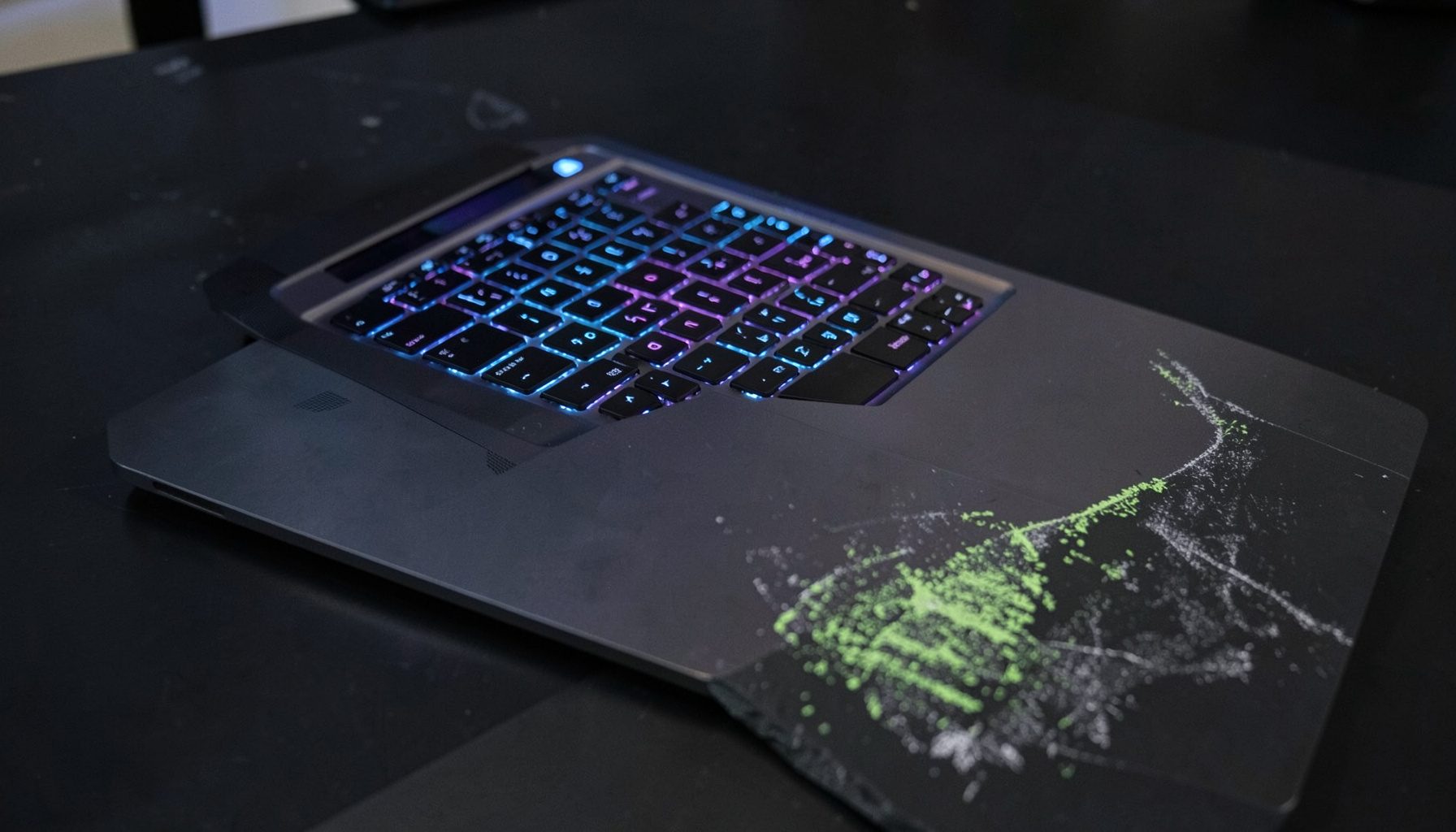
You'll spend a lot of time typing and gaming on your laptop's built-in keyboard. Mushy keys, shallow travel, cramped layouts, and poor rollover can ruin the experience. If possible, try the keyboard in person or read detailed reviews that cover key feel and layout quality.
Check the return policy
Before finalizing any purchase, review the retailer's return policy. A generous return window gives you time to test the laptop thoroughly — run your favorite games, check thermals, evaluate the screen, and make sure everything works as expected. If something doesn't meet your standards, you want the option to send it back without hassle.